
AI
our blog
10 Agile Software Tools Every CTO Should Consider

Overview
The article titled "10 Agile Software Tools Every CTO Should Consider" identifies essential tools that enhance agile software development practices for Chief Technology Officers (CTOs). It presents challenges faced by CTOs in managing agile teams and emphasizes the significance of utilizing effective tools. Notably, tools such as Jira, ClickUp, and Asana are highlighted, showcasing their functionalities and benefits. These tools support teams in improving productivity, collaboration, and project management within agile frameworks, ultimately reinforcing the importance of adopting these solutions. By integrating these tools, CTOs can navigate the complexities of agile development with greater efficiency and effectiveness.
Introduction
In an increasingly competitive digital landscape, the necessity for technology leaders to adapt and innovate is paramount. Agile software tools have emerged as essential assets for Chief Technology Officers (CTOs) striving to streamline workflows and enhance team collaboration. This article explores ten of the most impactful agile software tools available, spotlighting their unique features and the significant benefits they confer. With a plethora of options saturating the market, how can CTOs discern which tools will genuinely propel their teams toward success?
Studio Graphene: Agile Product Development for Innovative Solutions
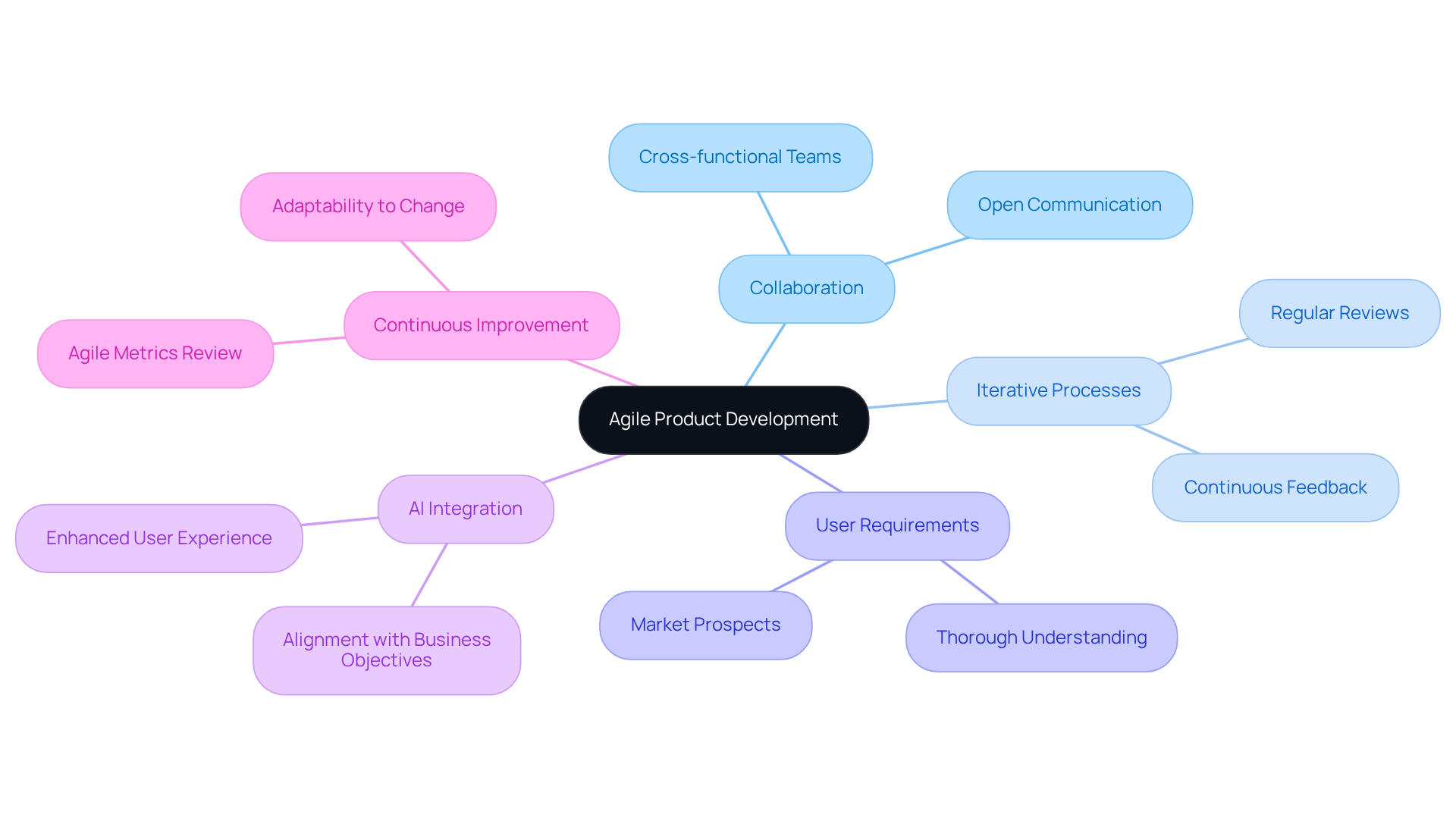
Studio Graphene exemplifies successful agile product development by harnessing collaboration and iterative processes to craft innovative digital solutions. Their approach emphasizes a thorough comprehension of user requirements and market prospects, a critical element for CTOs aiming to deploy effective software solutions. Furthermore, by integrating AI and emerging technologies, Studio Graphene ensures that their products are not only user-friendly but also aligned with overarching business objectives. This strategy underscores how agile software tools can significantly enhance digital product innovation, fostering an environment where continuous improvement and adaptability thrive.
monday.com: Versatile Project Management for Agile Teams
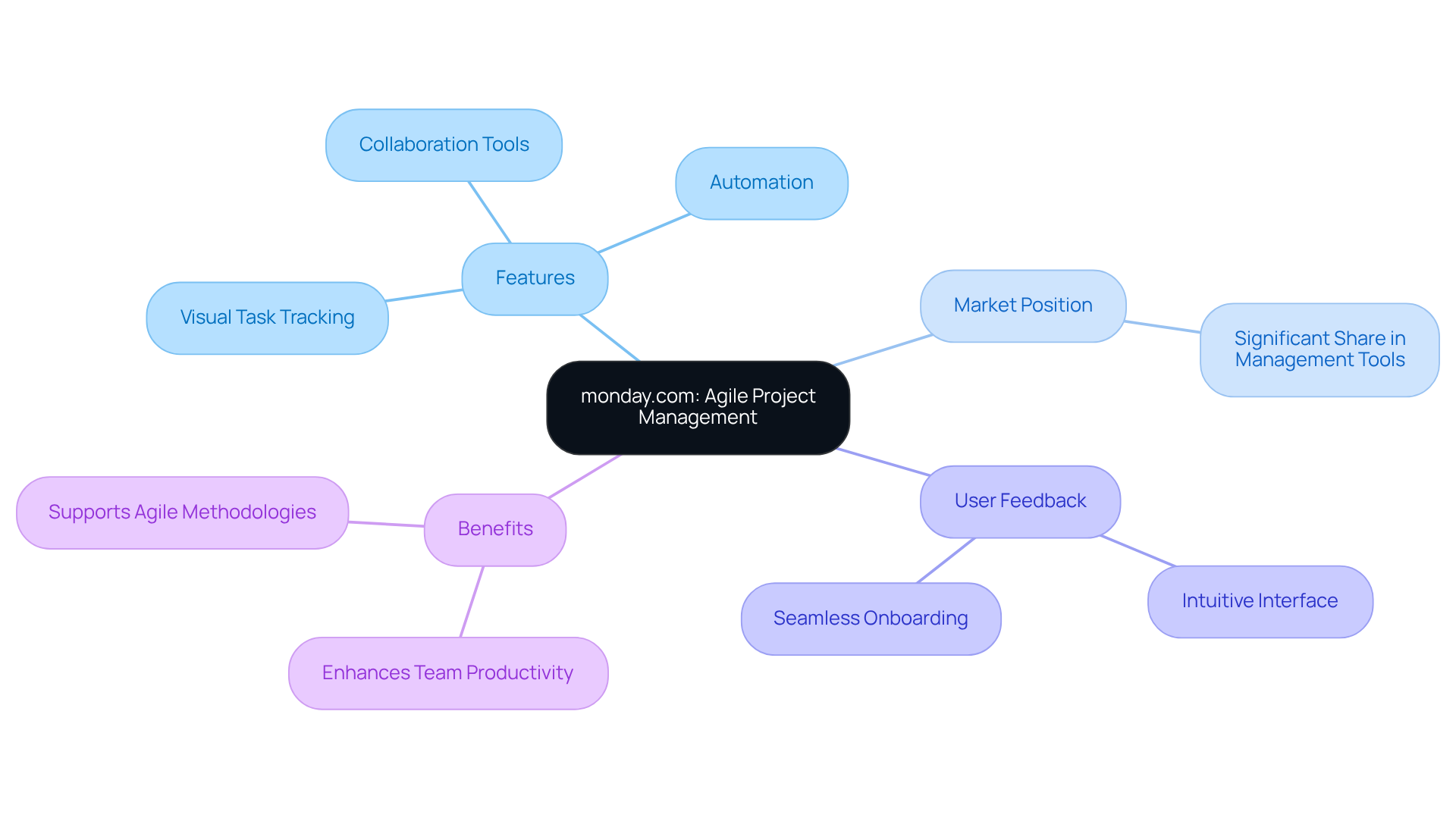
monday.com stands out as a highly adaptable resource tailored for agile teams, providing agile software tools that allow for the customization of workflows to meet specific needs. Its powerful features, such as visual task tracking, automation capabilities, and integrated collaboration tools, empower teams to respond swiftly to changes while sustaining high productivity levels.
According to recent market analysis, monday.com commands a significant share in the management tools sector, positioning it as a competitive choice for technology teams. CTOs have praised its intuitive interface, which facilitates seamless onboarding, ensuring that all team members remain aligned and informed throughout the project lifecycle.
Successful implementations of monday.com across various technology teams have demonstrated its effectiveness in enhancing team productivity, with numerous users reporting improved outcomes. This flexibility not only boosts team efficiency but also supports the dynamic nature of agile methodologies, making monday.com one of the preferred agile software tools for tech teams aiming to optimize their processes.
Jira: Leading Tool for Agile Project Management
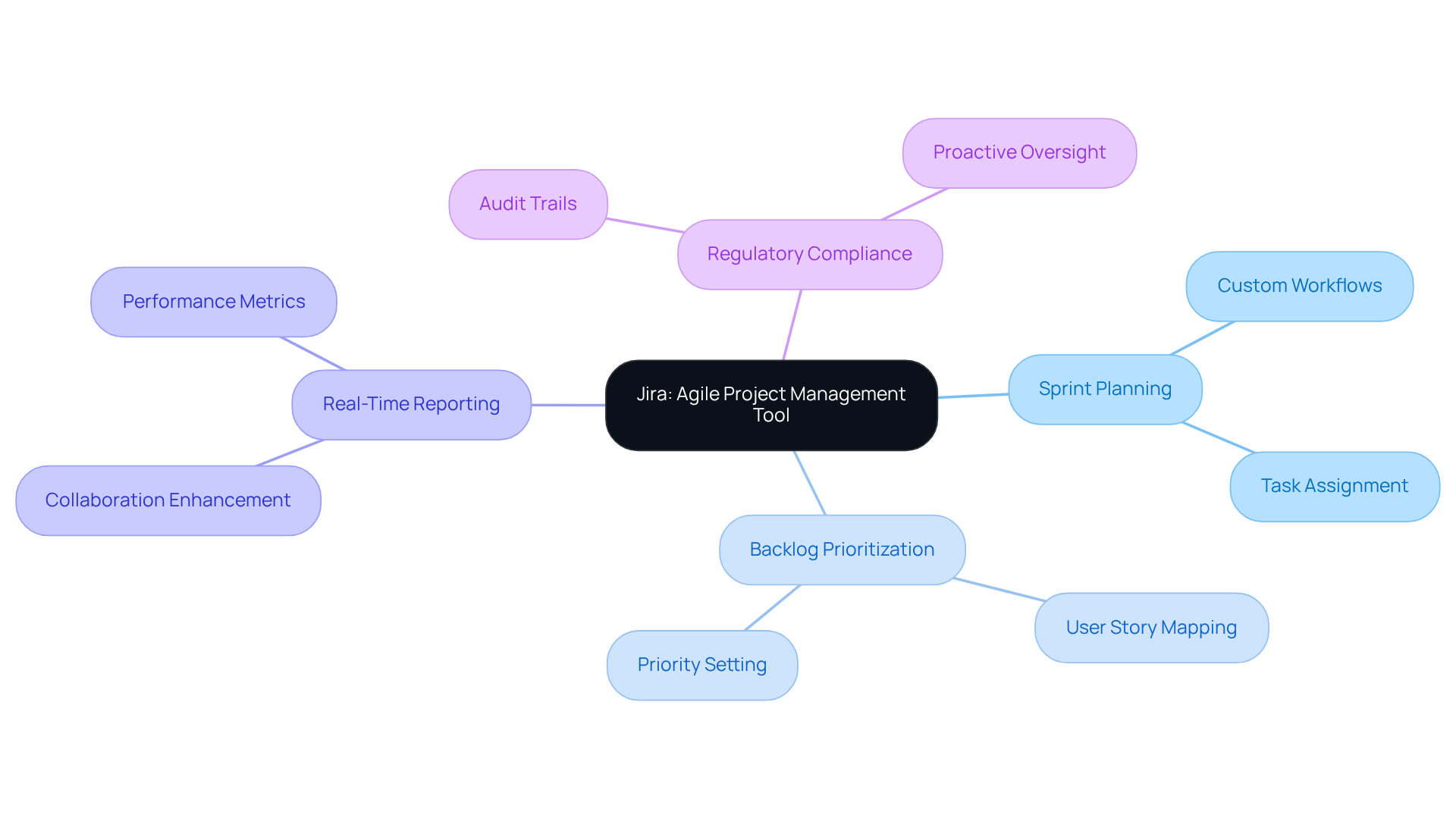
Jira stands as a leading management solution tailored specifically for agile software tools, addressing the pressing needs of CTOs. Agile software tools, with functionalities such as:
- Sprint planning
- Backlog prioritization
- Real-time reporting
prove essential for effectively managing development teams. Furthermore, its integration with additional resources and customizable workflows streamlines processes and enhances collaboration, ensuring projects remain on track. Notably, Jira's robust reporting features and comprehensive audit trails facilitate proactive oversight of regulatory and compliance preparedness. This empowers teams to navigate compliance challenges adeptly while adhering to agile methodologies.
ClickUp: All-in-One Project Management Solution
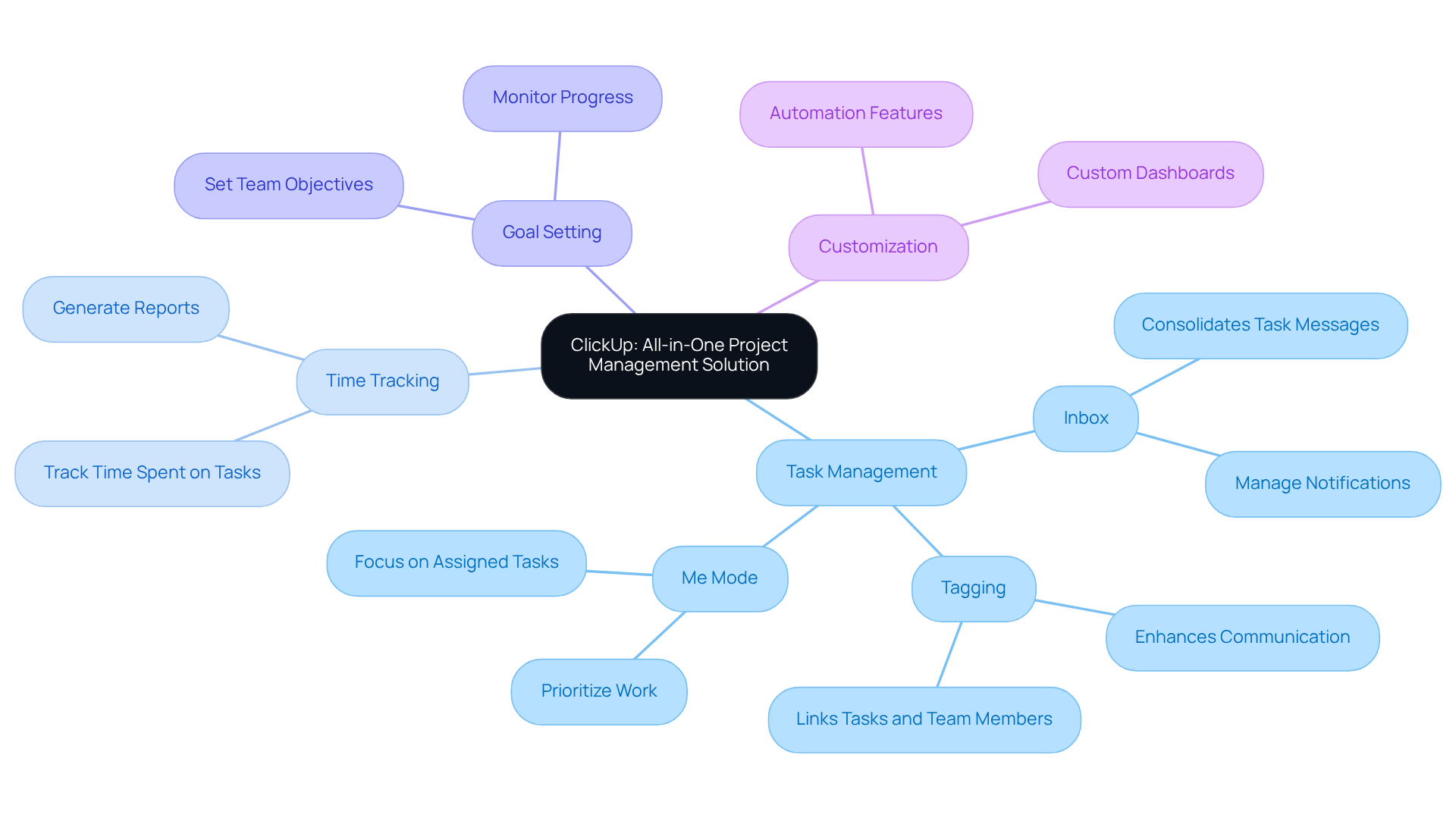
ClickUp serves as a powerful all-in-one solution for overseeing tasks, tracking time, and establishing goals within a single platform. This diverse strategy empowers teams to enhance efficiency without the burden of managing multiple tools. Notably, ClickUp simplifies the transition for teams aiming to unify their project management efforts by facilitating the import of tasks from nine different platforms, including Asana and Trello.
With customizable dashboards and automation features, ClickUp enables teams to stay organized and focused on their objectives. The platform's versatility is particularly evident in agile teams, where agile software tools have been crucial in streamlining workflows and enhancing collaboration. For instance, the ClickUp inbox consolidates task-related messages, allowing users to manage notifications and respond to colleagues effectively, significantly reducing time spent switching between tasks. As one ClickUp representative noted, "The key ClickUp features for enhancing productivity are the inbox for managing tasks, tagging for collaborating with your group, and the search bar for locating information rapidly across your workspace."
Statistics indicate that users can effortlessly export their entire workspace or specific lists, thereby improving data organization and oversight. Additionally, the tagging feature fosters better communication by enabling colleagues to identify one another and connect tasks, creating a more structured environment for managing work. The Me Mode feature allows users to focus on tasks assigned to them, further enhancing personal productivity within teams. Overall, ClickUp stands out as an essential resource for CTOs seeking to refine their project coordination processes and elevate productivity among team members. Moreover, with a free ClickUp Mini Course and a current 15% discount available, there are compelling reasons to explore this robust platform.
Asana: User-Friendly Task Management for Teams
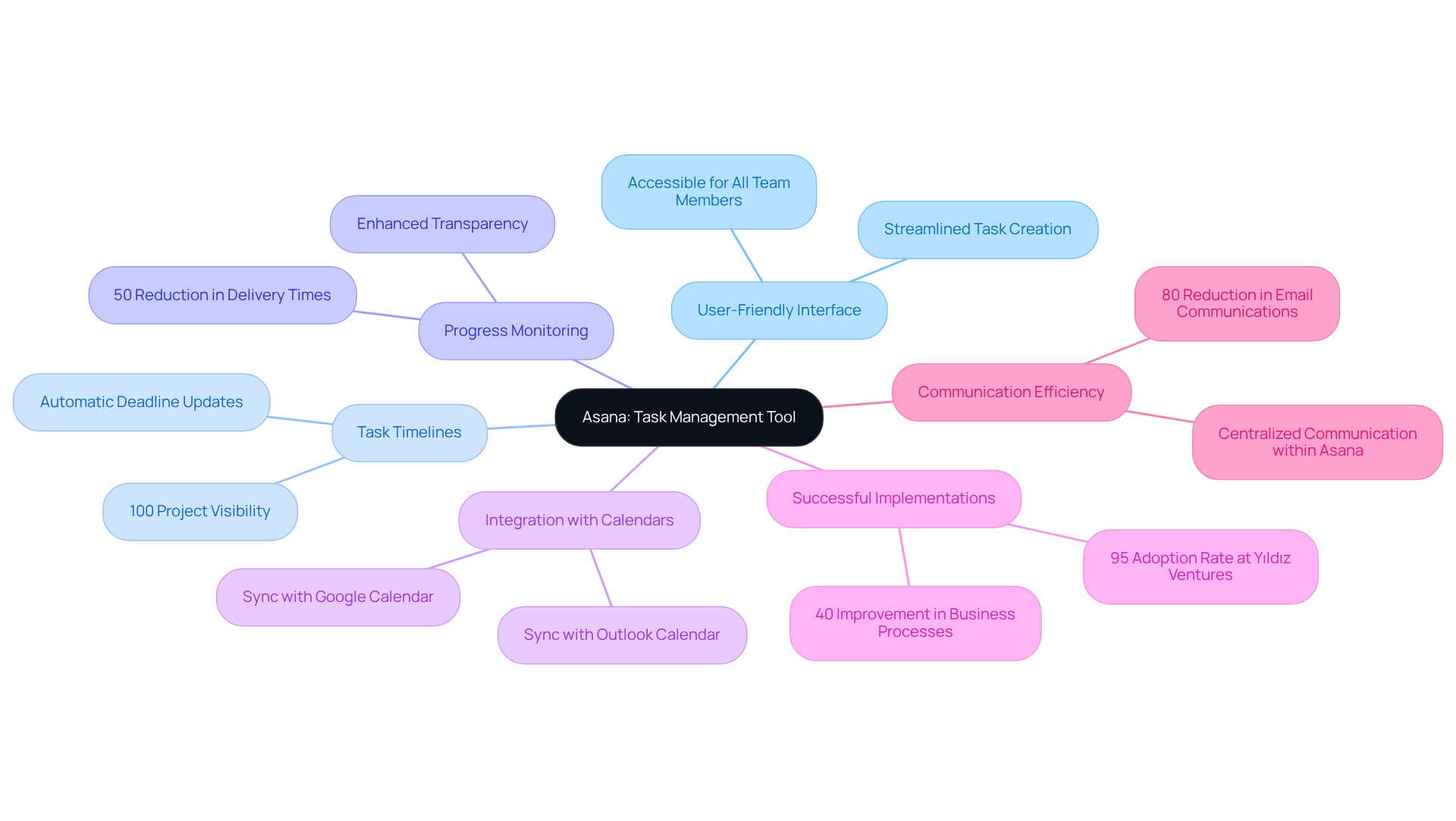
Asana is recognized as a highly effective task management tool that utilizes agile software tools to enhance group organization and progress monitoring. Its user-friendly interface streamlines task creation, deadline setting, and responsibility assignment, making it accessible for all team members. Significantly, Asana's task timelines and progress monitoring features enable teams to visualize workflows, ensuring alignment on objectives. This capability has proven beneficial; organizations report a 50% reduction in delivery and turnaround times due to enhanced transparency and timely feedback loops. Furthermore, Asana provides 100% project visibility from start to finish, emphasizing the comprehensive oversight it offers.
In addition, Asana's integration with Google Calendar and Outlook Calendar ensures that task deadlines are automatically updated, facilitating seamless scheduling. Successful implementations in tech companies, such as Yıldız Ventures, highlight Asana's effectiveness, achieving a 95% adoption rate and a 40% improvement in business processes. Yahya Ülker, CEO of Yıldız Ventures, noted, "We use Asana to keep track of all investment-related information and updates — capital calls, annual meetings, communications, and more." This showcases Asana's versatility across different scenarios. Moreover, the tool has led to an 80% reduction in email communications, significantly improving communication efficiency.
Testimonials from CTOs underscore Asana's user-friendliness, mentioning that it promotes collaboration and accountability among colleagues. However, it is essential to recognize that poor setup or incomplete configuration in Asana can lead to unbalanced workloads and deadline conflicts. By utilizing agile software tools such as Asana for task coordination, groups can significantly enhance their productivity and operational efficiency.
Wrike: Comprehensive Reporting and Collaboration Tool
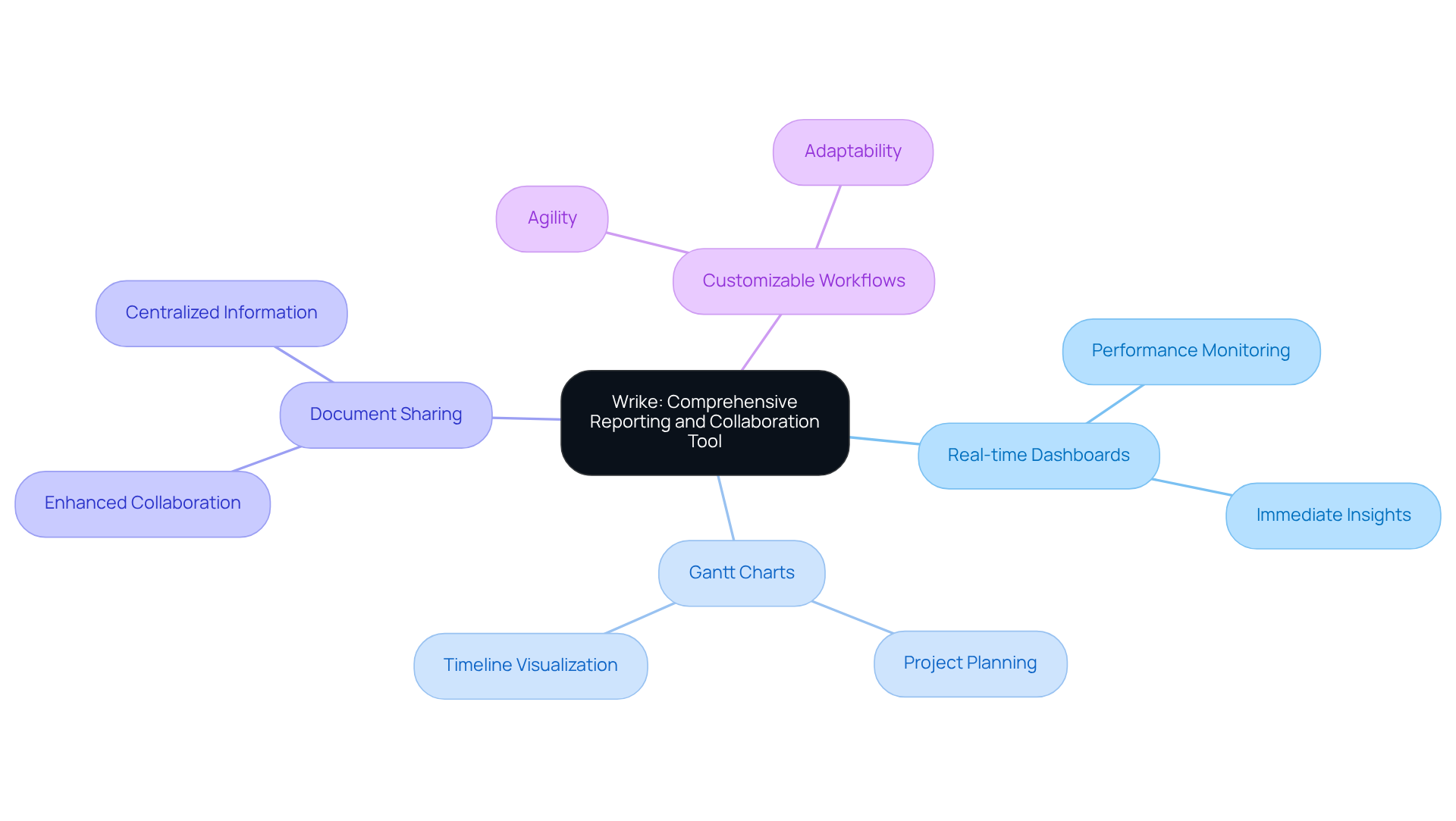
Wrike stands out as a comprehensive management tool, particularly excelling in reporting and collaboration. It addresses the common challenge of team performance monitoring through features like:
- Real-time dashboards
- Gantt charts
- Document sharing
These capabilities not only facilitate efficient collaboration but also empower groups to track their performance effectively. Furthermore, Wrike's customizable workflows are considered agile software tools that adapt to evolving requirements, making it an ideal choice for CTOs who seek to enhance their staff's agility and responsiveness. By implementing Wrike, organizations can significantly improve their operational efficiency and adaptability in a fast-paced environment.
Trello: Simple and Effective Task Management
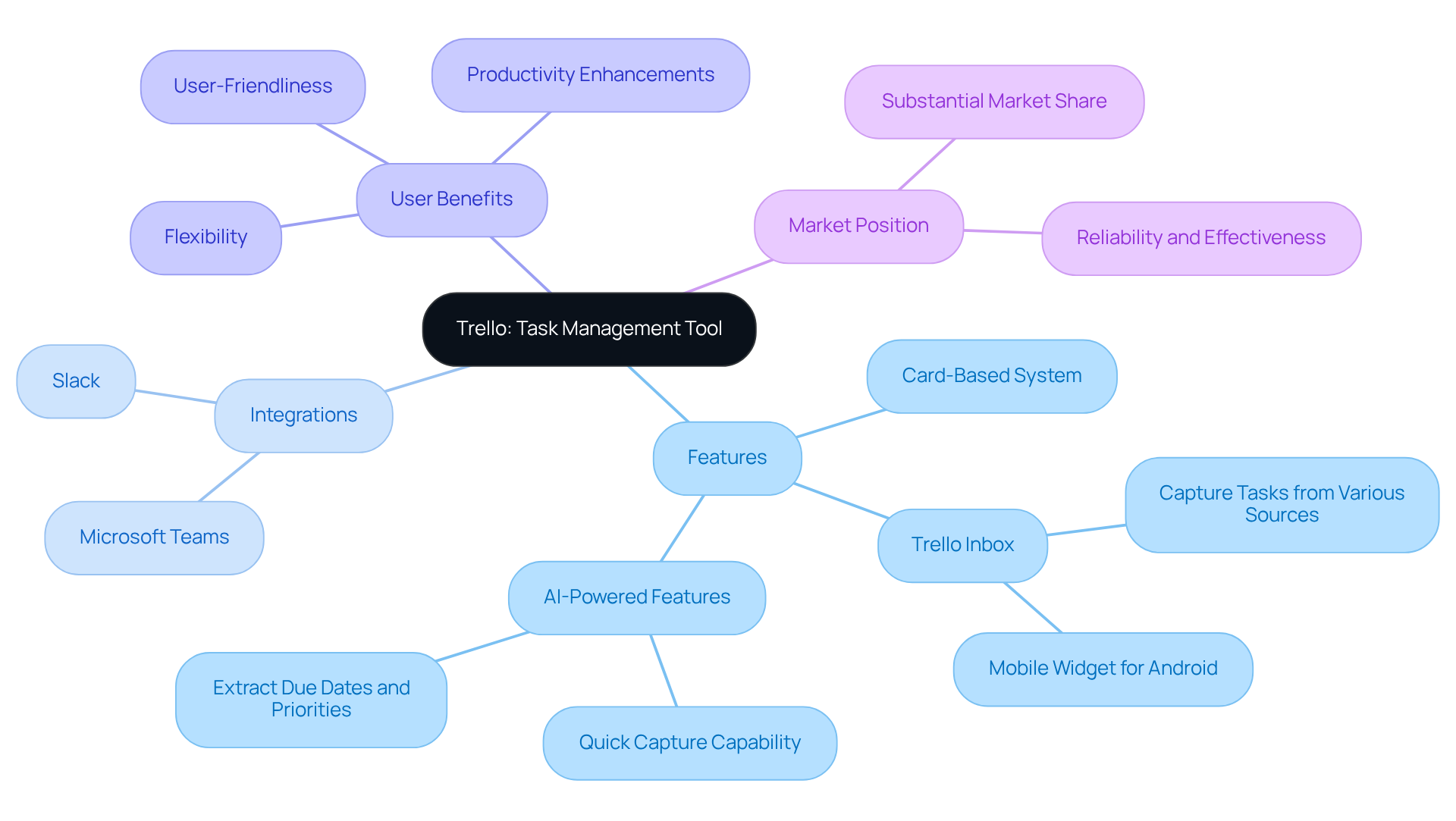
Trello stands out as a highly effective task management tool, utilizing a card-based system that visually arranges assignments for groups. Its intuitive interface empowers users to create boards, lists, and cards, facilitating seamless tracking of tasks and progress. This flexibility renders Trello one of the agile software tools adaptable to a variety of project types, from software development to marketing campaigns.
Furthermore, Trello's integration capabilities with platforms like Slack and Microsoft Teams significantly enhance its functionality, allowing teams to streamline their workflows. The introduction of the Trello Inbox feature enables users to capture to-dos from diverse sources, including emails and voice commands, thereby further augmenting task organization efficiency.
With a substantial market share in the task coordination sector, Trello has been successfully utilized in numerous tech initiatives, showcasing its reliability and effectiveness. CTOs value Trello's flexibility, frequently emphasizing its capacity to accommodate various task requirements while preserving user-friendliness.
In addition, the incorporation of AI-powered features, such as the Quick Capture capability that extracts due dates and priorities from raw text, solidifies Trello's position as a top choice for organizations aiming to enhance productivity and collaboration.
As Gaurav Kataria noted, 'The new Trello is designed to help you capture, organize, and tackle your to-dos like never before.
Zoho Sprints: Agile Management for Sprint Teams
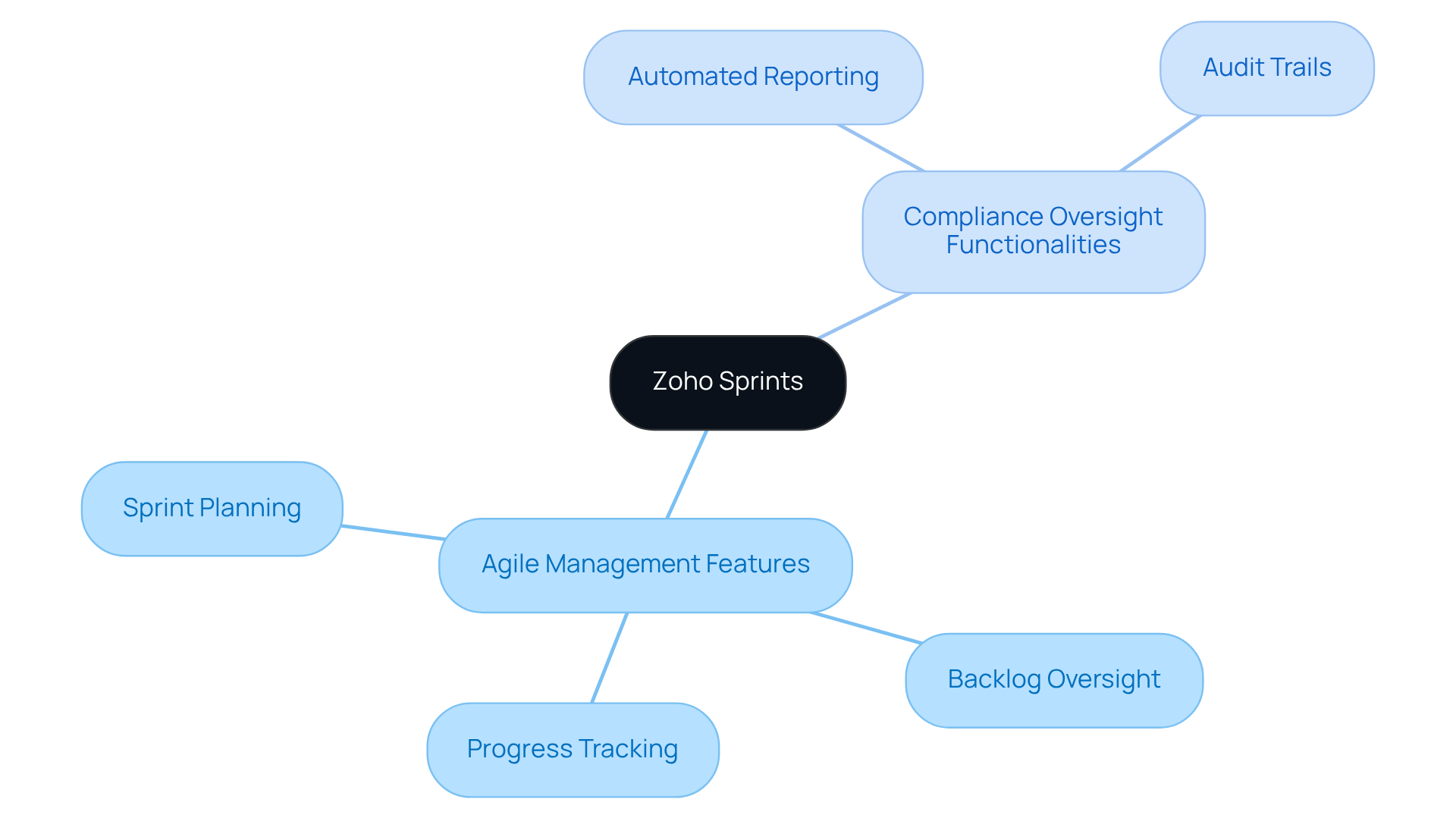
Zoho Sprints serves as one of the robust agile software tools tailored for sprint groups, addressing the critical challenges of project delivery. It offers essential functionalities such as:
- Sprint planning
- Backlog oversight
- Progress tracking
These features enable teams to execute projects with efficiency and precision. The user-friendly interface, combined with collaborative features, ensures that groups remain aligned and focused on their objectives. Furthermore, the compliance oversight functionalities, including:
- Automated reporting
- Audit trails
facilitate proactive management of regulatory and compliance readiness. This makes Zoho Sprints a compelling choice for CTOs seeking to enhance their agile practices with agile software tools and drive successful project outcomes.
Nifty: AI-Enhanced Project Management Tool
Nifty represents a pivotal advancement in AI-enhanced initiative coordination software, designed to streamline workflows and elevate group collaboration. This innovative tool encompasses essential features such as:
- Task automation
- Timeline management
- Robust communication resources
All tailored to significantly boost productivity. By leveraging AI capabilities, Nifty empowers teams to make data-informed decisions and refine their processes, establishing itself as an indispensable asset for CTOs seeking to integrate technology seamlessly into their workflows.
Furthermore, the integration of AI not only simplifies task management but also fosters a culture of collaboration within teams. By automating routine tasks, Nifty allows team members to focus on strategic initiatives that drive innovation. As organizations face increasing demands for efficiency, Nifty offers a solution that not only meets these challenges but also enhances overall operational effectiveness.
In addition, Nifty's user-friendly interface ensures that even those less familiar with technology can navigate its features with ease. This accessibility is crucial for fostering widespread adoption within organizations. As teams utilize Nifty, they gain insights that lead to continuous improvement, ultimately positioning themselves for success in a competitive landscape.
By choosing Nifty, CTOs are not merely adopting software; they are investing in a future where technology and collaboration converge to create a more productive workplace. This strategic choice not only enhances workflow efficiency but also drives the organization towards achieving its broader goals.

SpiraPlan: Advanced Project Management for Software Development
SpiraPlan stands as a sophisticated platform tailored for software development teams. It offers essential capabilities such as:
- Requirements oversight
- Risk evaluation
- Project monitoring
This makes it an ideal solution for managing complex projects with agile software tools. Furthermore, SpiraPlan features compliance tracking and reporting functionalities that empower organizations to proactively navigate regulatory requirements. This capability is crucial for CTOs, ensuring their teams are equipped with the necessary tools to deliver high-quality products on schedule and within budget. By enhancing security and incident management in their digital products, SpiraPlan not only facilitates project success but also fortifies the organization's overall compliance posture.

Conclusion
The exploration of agile software tools underscores their pivotal role in enhancing project management and team collaboration. By leveraging these tools, CTOs can drive innovation and streamline processes, ensuring that their organizations remain competitive and responsive to market demands. Each tool discussed, from Studio Graphene to SpiraPlan, exemplifies how tailored functionalities can meet the unique needs of software development and project management.
Key insights reveal the adaptability of platforms like monday.com and ClickUp, which facilitate customizable workflows, alongside the robust capabilities of Jira and Wrike in managing complex projects with real-time reporting and collaboration features. Furthermore, tools like Asana and Trello emphasize user-friendliness and visual task management, crucial for maintaining team alignment and productivity. The integration of AI in tools like Nifty further enhances operational efficiency, enabling teams to focus on strategic initiatives.
In a rapidly evolving digital landscape, embracing these agile software tools is not just advantageous; it is essential for organizations aiming to thrive. CTOs are encouraged to evaluate their current project management strategies and consider integrating these innovative solutions to foster a culture of collaboration, adaptability, and continuous improvement. Investing in the right tools today can significantly impact an organization's ability to deliver high-quality products and meet customer expectations in the future.