AI
Insights
We Built an MCP Server for Pulse and Stopped Building Our Chatbot
Our MCP server took less time to build than the AI chatbot we were developing for Pulse, and it gave better answers. So we stopped building the chatbot.
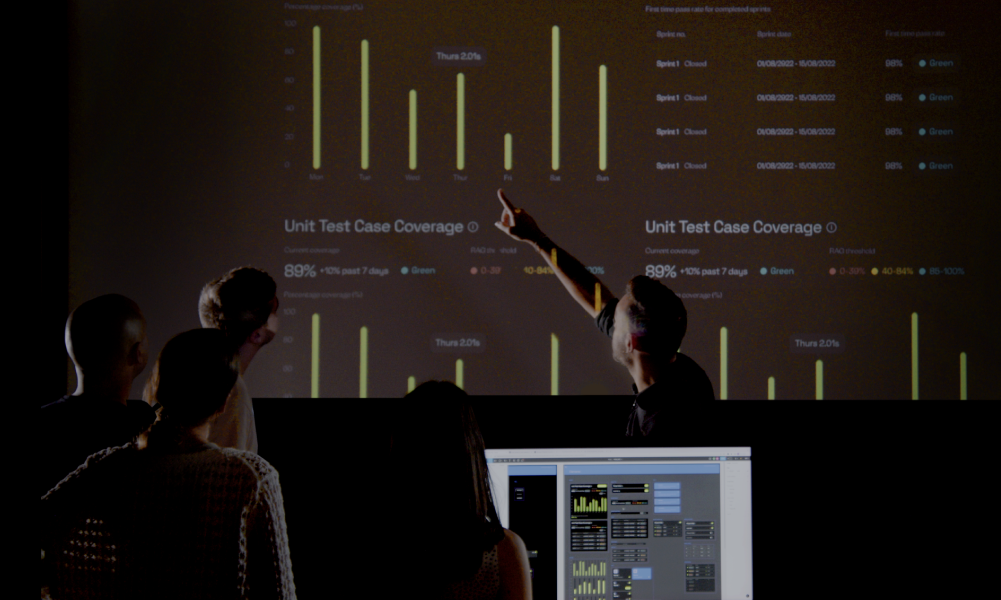
Pulse is our in-house delivery intelligence platform. We launched it in April 2025 to help our teams understand and continuously improve how we deliver digital products. It brings together data from tools including Jira and GitHub, tracking performance across the development lifecycle and giving product, engineering and delivery teams visibility into quality, throughput and efficiency.
As Pulse evolved, we started building a chatbot inside it. The idea was straightforward: instead of navigating dashboards and interpreting individual metrics, users could ask questions about delivery performance and get answers. Alongside it, we experimented with an MCP server that would let external AI tools such as Claude access Pulse data.
The comparison wasn’t close. We realised we’d been investing in the weaker option largely because it kept the experience inside our own product.
The biggest advantage was access to wider context. Through MCP, we could make Pulse data available to existing AI tools rather than continuing to develop our own conversational experience.
Why Keeping AI Inside Your Product Can Be Limiting
Consider a project where delivery cycle time has suddenly increased. Pulse can identify the change, but understanding why might mean examining Jira tickets, GitHub pull requests and conversations in Slack. A chatbot inside Pulse could potentially access those systems, but we’d have to build and maintain the integrations ourselves.
With MCP, users can investigate the same question through an AI tool connected to multiple sources, bringing the relevant information together in one place. They can also work within an environment that already contains their conversations, files and wider context.
Why the UI Still Matters
None of this makes the interface redundant. If anything, our experience suggests the opposite. AI tools are good at answering questions, but a useful answer still depends on knowing what to ask.
Most people looking at delivery performance don’t necessarily know which metrics deserve attention, what good performance looks like or which changes signal a problem. That’s what Pulse’s interface is for. We’ve put considerable effort into choosing meaningful delivery metrics, defining how they’re measured and presenting them so teams can recognise patterns. A dashboard can reveal something a user wasn’t looking for. An empty chat box can’t.
For us, the distinction is simple: the UI helps you spot the problem, while MCP helps you explain it. Teams can use Pulse to see what’s changed, then use Claude to investigate why, bringing delivery metrics together with information from other connected systems.
We’ve learned that these are two different jobs. Some interactions benefit from structure, visualisation and carefully curated information. Others benefit from open-ended investigation, combining sources and asking follow-up questions. The mistake is trying to force both through the same interface.
The Difficult Decision Facing SaaS Companies
For SaaS businesses, opening up access through MCP presents a genuine commercial dilemma. If customers interact with product data through external AI tools, what happens to engagement metrics, opportunities to introduce new features or the value traditionally attached to keeping users inside an application? It’s understandable that some product teams hesitate.
But withholding access doesn’t remove demand. Users may export data, copy information between applications or choose competing products that fit more naturally into their workflows.
Opening up has real challenges too. Traditional usage analytics become less useful when interactions happen outside your interface. Data quality matters more because users may receive answers without seeing the dashboards and definitions behind them. Permissions, access controls and security also require careful consideration when information becomes accessible through external AI tools.
These challenges don’t mean businesses should avoid MCP. They mean it needs to be treated as a core product capability, with the same attention to design, security and reliability as the interface itself.
Design for How People Actually Work
For product teams, the lesson is to treat MCP as part of the product alongside the UI, not as a replacement for it. Design each around what users actually need: an interface that helps them discover and understand what’s happening, and MCP tools that help them investigate questions across connected systems.
Ultimately, the goal shouldn’t be keeping users inside your application for longer. It should be helping them achieve better outcomes, wherever they choose to work.
Our updated Pulse case study explores how we’ve developed the platform and the improvements we’re seeing across our delivery teams.